Describe or show the idea
Begin with a written prompt, a reference image, or both. Specific shape, style, material, and viewpoint cues give the generator a clearer creative brief.
Practical definition
A 3d ai studio is an AI-assisted workspace that turns text, images, and creative direction into editable three-dimensional assets. Its value comes from shortening the distance between an idea and a usable model, not from replacing every part of professional 3D production.
Core workflow
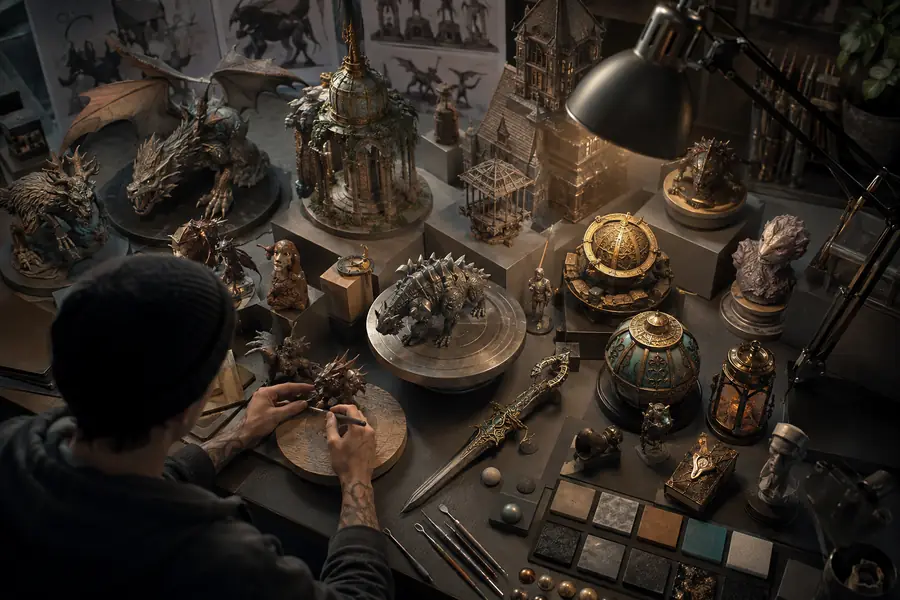
The process combines generative AI with familiar 3D decisions, so users can move from a rough concept to an asset they can inspect, refine, and export.
Begin with a written prompt, a reference image, or both. Specific shape, style, material, and viewpoint cues give the generator a clearer creative brief.
The system estimates form, surface detail, and proportions, then produces a model or scene. You compare versions and adjust the direction instead of starting from zero.
Review the geometry, scale, textures, and file settings before using the result in a presentation, game prototype, design study, or downstream 3D workflow.
Related paths
Different starting points suit different projects. These focused guides explain how the same kind of AI-assisted process can be applied to specific inputs and audiences.
Format evolution
AI 3D creation developed by bringing several established steps—reference gathering, modeling, texturing, and iteration—into a faster creative loop.
Creators blocked out forms, sculpted details, unwrapped surfaces, and built materials one decision at a time. The process offered control but demanded substantial practice.
Generative image tools helped artists explore silhouettes, moods, and references quickly. They improved ideation, but the output was still flat and difficult to use as geometry.
New systems began estimating depth and structure from images, making it possible to convert a visual idea into a rough three-dimensional object.
Text input allowed non-specialists to describe an object or scene directly, lowering the barrier to early modeling and making rapid variations more practical.
A modern 3d ai studio brings prompting, generation, review, and export closer together. Human judgment remains important for topology, accuracy, style, and final production readiness.
Practical value
The numbers below describe the main source of value: less setup friction, more visible alternatives, and a shorter path to a decision-worthy concept.
Capability check
The right expectation is assisted creation. AI can accelerate the first useful version, while people still decide whether the result is accurate, editable, and fit for its intended use.
1
Generate several characters, props, forms, or environments before committing to a direction.
It is strongest when speed and breadth matter more than polished production topology.
2
Create a base asset that can be adjusted in a conventional 3D application or design pipeline.
It gives artists a concrete starting point and reduces repetitive blocking work.
3
Use manual cleanup, retopology, UV work, material checks, and scale verification before delivery.
Generated geometry can contain hidden surfaces, uneven detail, awkward topology, or proportions that need expert review.
Visible difference
A before-and-after comparison shows the practical promise: the tool does not eliminate creative review, but it makes the first review happen around an actual object.
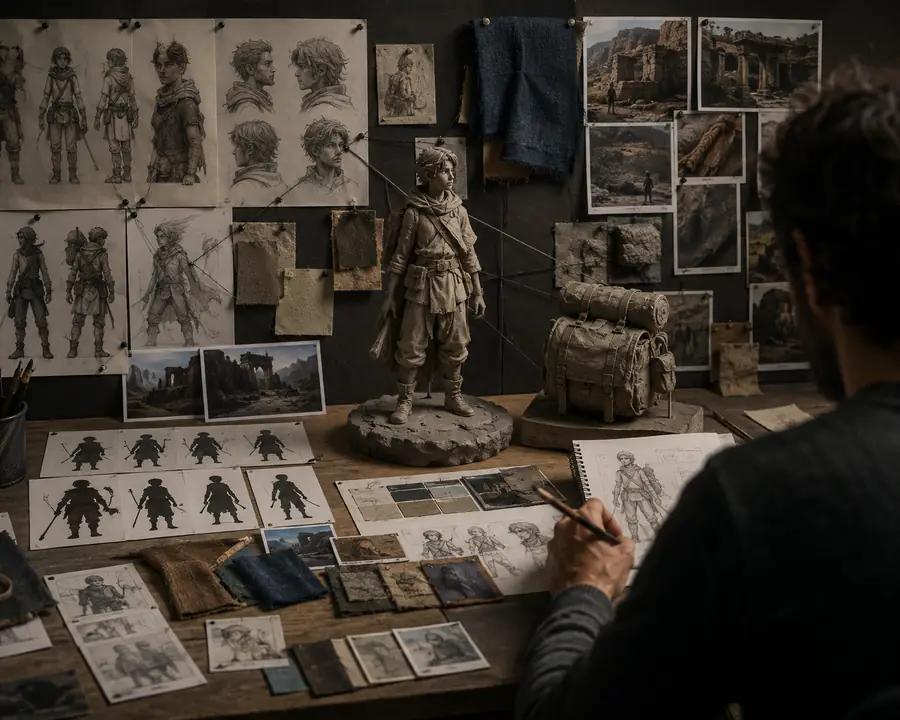
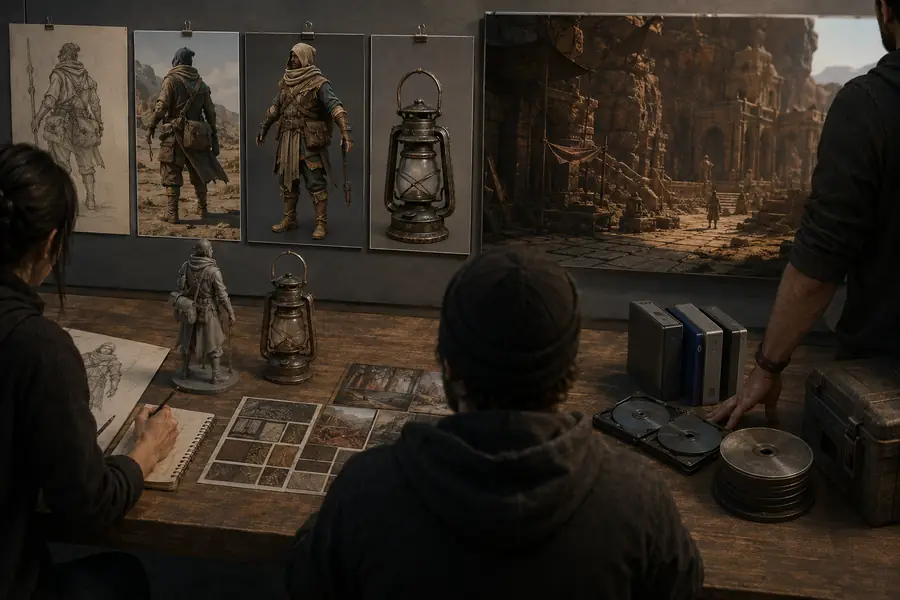
The generated result is best treated as a strong draft. Check anatomy, hidden geometry, texture continuity, scale, and file compatibility before calling it production-ready.
Common questions
Its practical worth depends on the time it saves, the quality of the starting point, and how well the result fits the next step in your workflow.
For a beginner, its main value is reducing the blank-page problem. You can describe or show an idea, receive a visible result, and learn by comparing changes rather than studying every modeling step before making anything.
Yes, when it is used for exploration, blocking, and repetitive starting work. Experienced users can judge the output quickly and decide which parts to keep, rebuild, retopologize, or use only as visual reference.
No. The value comes from compressing early production steps and making more options affordable in time. Artistic direction, proportion choices, cleanup, technical validation, and final approval still depend on human judgment.
Useful results need more than attractive renders. Look for controllable inputs, understandable exports, repeatable iteration, suitable detail, and a workflow that lets you inspect and improve the model before it reaches its final destination.
No tool should be treated as automatically production-ready for every asset. Results vary by subject and input quality, so demanding projects may require manual modeling, topology repair, texture work, and technical checks after generation.