1
Device
Ready to create
Modern laptop or desktop
Helpful but optional
Tablet with a large screen
Browser 3D Workspace
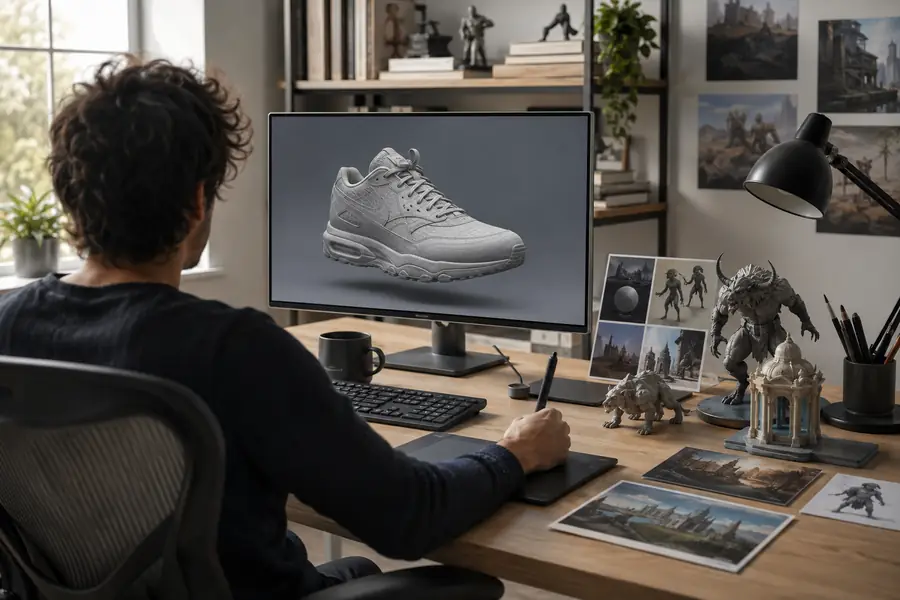
3d ai studio online gives you a focused browser workspace for turning prompts or reference images into usable 3D concepts. Start with a simple idea, inspect the result, and export when the shape is ready.
Start Here
A lightweight preparation pass makes an online 3D session faster and produces cleaner results.
Ready to create
Modern laptop or desktop
Helpful but optional
Tablet with a large screen
Ready to create
Stable internet connection
Helpful but optional
Wired connection for large exports
Ready to create
Short prompt or clear reference image
Helpful but optional
Multiple views or a style reference
Ready to create
Object, subject, and intended use
Helpful but optional
Target polygon density or dimensions
Ready to create
Time to inspect the generated mesh
Helpful but optional
A second person for visual feedback
Ready to create
A folder ready for downloaded assets
Helpful but optional
Blender, Unreal, or another 3D editor
Practical Run
The online workflow works best when each pass has one job: describe, inspect, then prepare the result for its destination.
Describe a stylized prop such as a lantern, shield, or watchtower piece, then inspect the silhouette from several angles.
A quick concept asset is ready for refinement in a game scene.
open the browser workspaceUse a reference image to explore a chair, package, device housing, or other early-stage object.
The team gets a tangible shape for discussion before detailed modeling begins.
test an image-led conceptStart with a familiar object and compare how different prompts change proportion, material, and style.
You learn the relationship between description, geometry, and visual review through short experiments.
try a guided first modelGenerate a simple decorative form, check its scale and obvious surface issues, then prepare it for a separate printability check.
A faster starting mesh reduces the time spent blocking out an idea manually.
prepare a printable conceptAt a Glance
Choose the simplest input that matches your goal, then move to a more controlled workflow only when the first result needs it.
Quality Check
Online generation is quick, but the first mesh is a draft rather than a guaranteed production asset.
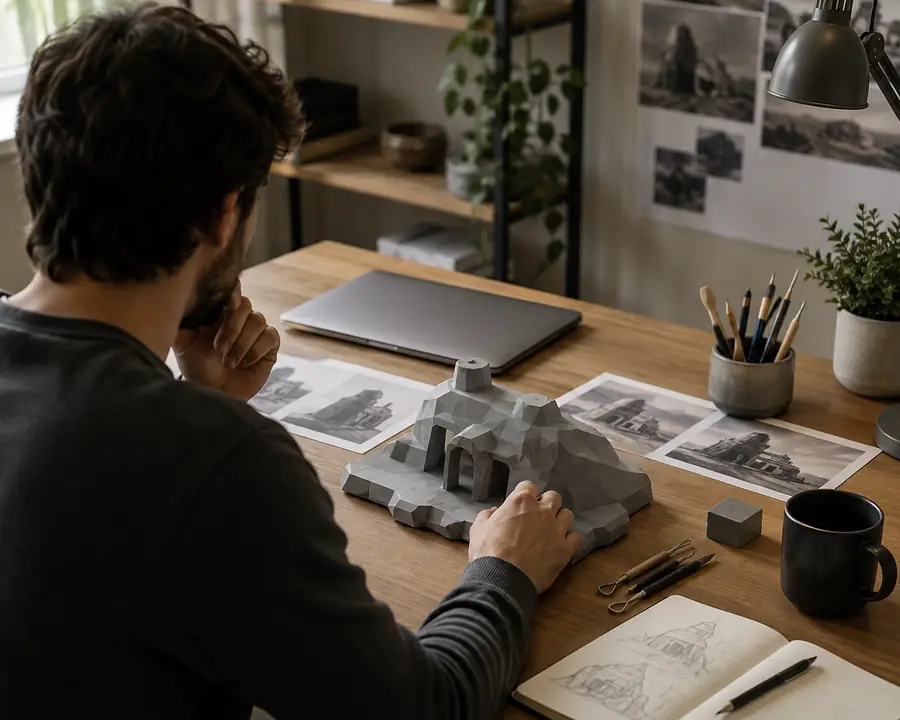

The most common problems are soft details, hidden underside errors, uneven thickness, stretched textures, and geometry that is not yet suitable for animation or fabrication. Treat the output as a strong starting point: rotate it, inspect the base, check scale, and use a dedicated editor or slicer for final validation.
Workflow Steps
Keep the session short and intentional so you can tell whether the model is improving at every stage.
Name the object, style, materials, important proportions, and intended viewing angle. A compact prompt with concrete nouns usually beats a vague paragraph.
Rotate the result, look for missing surfaces, and change one variable at a time. Improve silhouette first, then materials and small details.
Download the result, record the prompt that produced it, and open the asset in your preferred editor for scale, topology, rigging, or print checks.
Common Questions
Clear answers for choosing and using a browser-based 3D AI workflow.
It refers to creating or preparing 3D assets through a browser-based interface rather than installing a full modeling application. The browser handles the guided generation workflow, while specialized software can still be used for final cleanup.
A modern laptop or desktop with a stable connection is the safest choice because 3D previews and exports benefit from a larger screen. A tablet may work for lighter review, but complex editing is more comfortable on a computer.
No. Beginners can start with a familiar object and a short description, then learn by comparing prompts and reviewing the mesh. Knowledge of topology, scale, or materials becomes more useful during refinement than during the first generation.
Sometimes, but it should not be assumed. Check scale, surface continuity, topology, file format, and texture quality in the destination tool before calling the asset production-ready.